Structured delivery choices
Replace ambiguous notes with a selected date and time saved directly to the Shopify cart.
Shopify delivery date picker
Add delivery scheduling to cart or product pages while controlling opening hours, preparation time, blackout dates, and capacity for each time slot.
The operational problem
A free-text delivery note leaves customers guessing and staff interpreting. Without defined slots, several orders can request the same time even when production or drivers cannot support it. The result is manual follow-up before the order can be fulfilled.
Larkis Date Time Picker presents actual choices before checkout. The merchant controls when delivery is available, how much preparation time is required, which dates are blocked, and how many orders a slot can accept.
What changes in practice
Replace ambiguous notes with a selected date and time saved directly to the Shopify cart.
Prevent customers from choosing a delivery window before the order can realistically be ready.
Limit how many scheduled orders can enter the same window and reduce avoidable overbooking.
Use inline, popup, or floating presentation with themes and custom colors that fit the store.
How to get started
The exact setup depends on your service model, but the operational sequence stays simple.
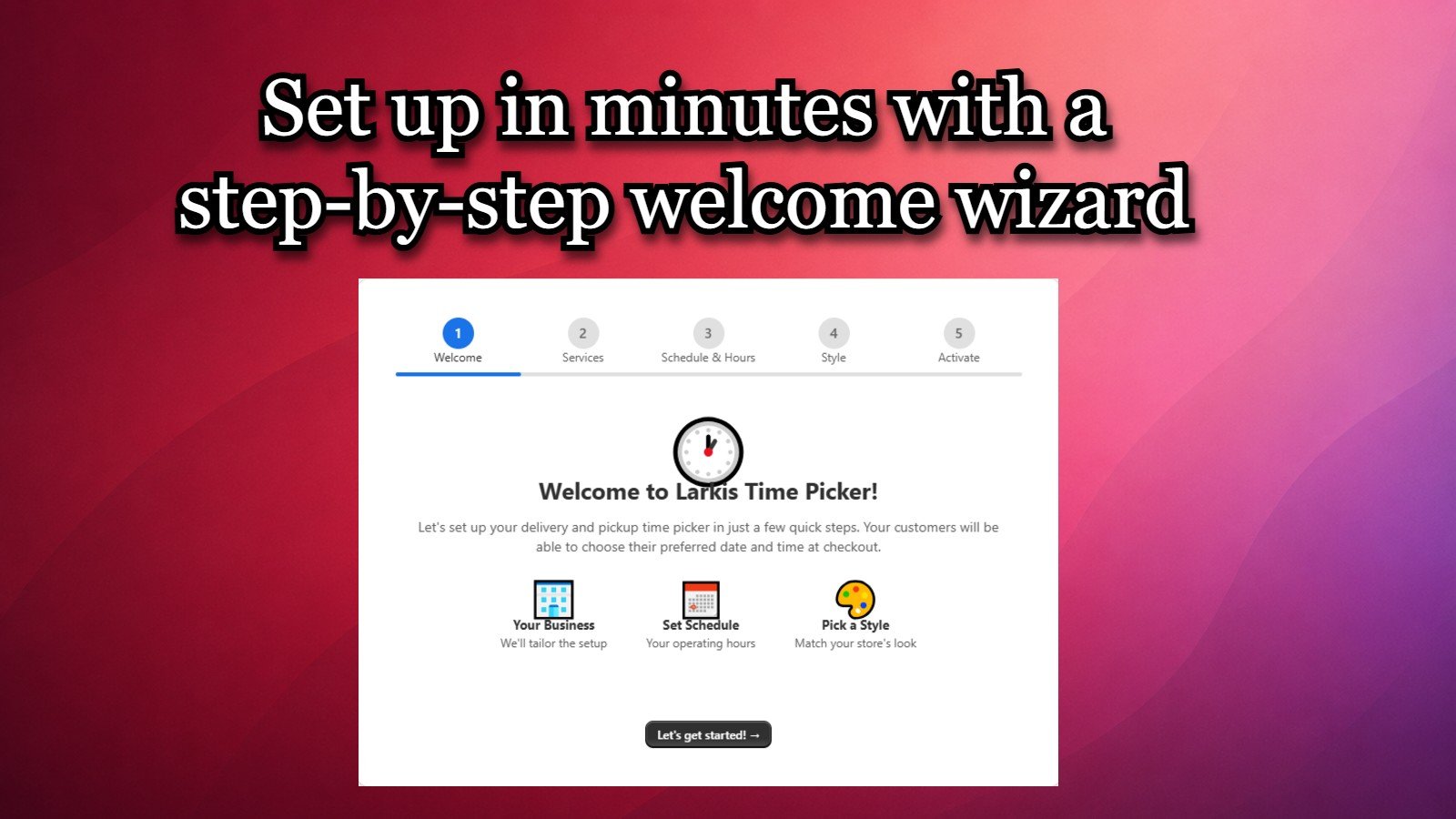
Enable the delivery workflow and decide where the picker should appear in the customer journey.
Define available days, times, lead time, cutoff behavior, and unavailable dates.
Set order limits per time slot so the choices shown to customers reflect your capacity.
Place a test order and confirm the selected delivery date and time appear where staff manage scheduled orders.
Common questions
Need to validate a specific workflow? Contact support@larkis.app.
Yes. Larkis Date Time Picker lets customers choose from delivery dates and time slots configured by the merchant.
Yes. You can configure blackout dates and control availability with custom hours and order limits.
No. The app supports inline, popup, and floating placements without manual theme code editing.
You can configure hours and preparation time to offer only the same-day windows your operation can fulfill.
Built for Shopify