Notice online orders
Sound alerts help a new Shopify order compete with the noise and pace of counter service.
Shopify KDS for cafés
Turn incoming pickup and food orders into digital kitchen tickets that baristas and prep staff can prioritize from one shared display.
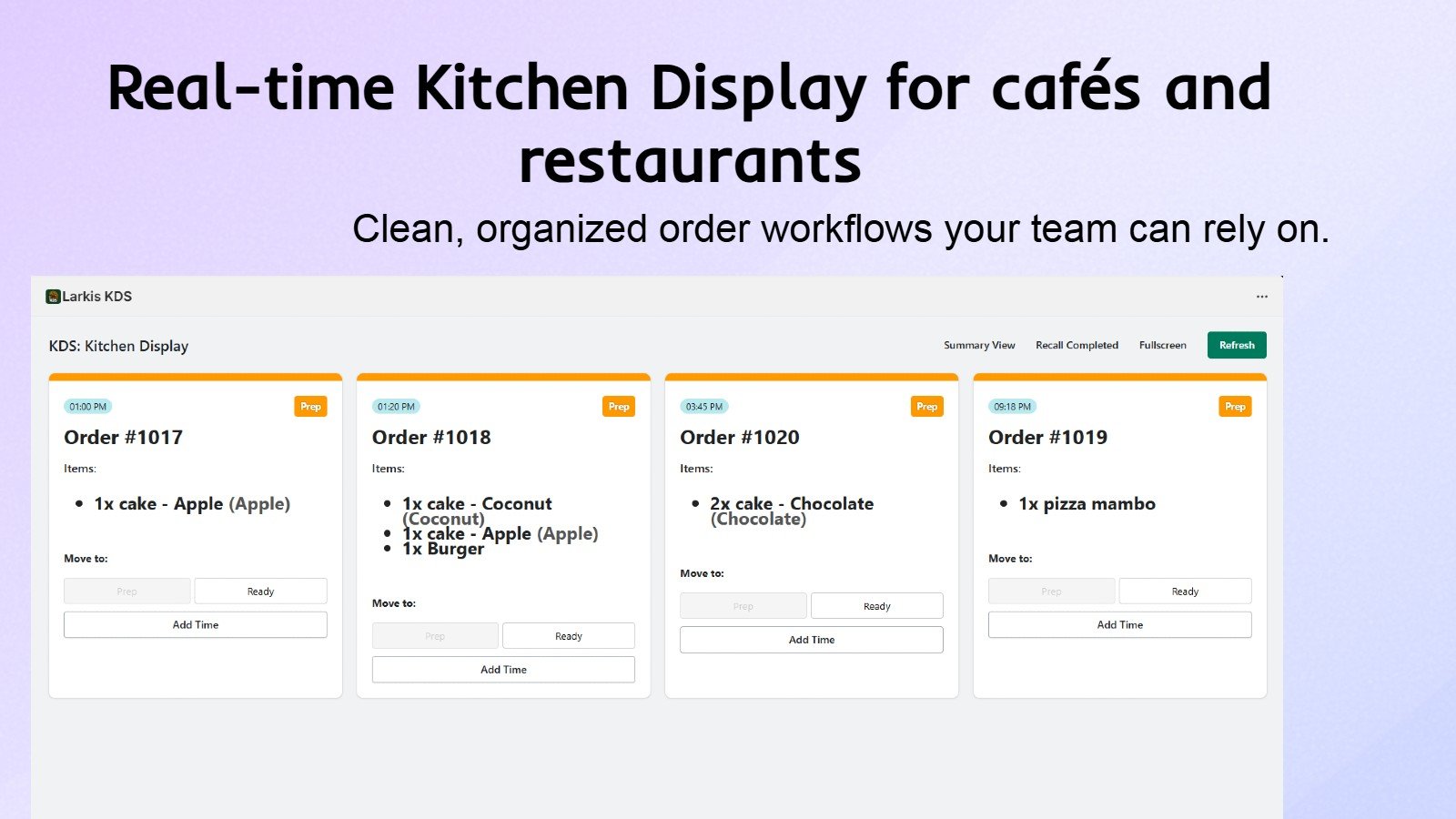
The operational problem
Café orders often combine drinks, food, modifiers, and a promised pickup time. During a rush, a quiet online order can be easier to miss than the customer standing at the counter. Printing another ticket does not always solve the coordination problem between bar, kitchen, and pickup shelf.
Larkis KDS gives a café a focused view of Shopify orders with immediate alerts and flexible sorting. Staff can organize work without introducing specialized hardware or forcing every station to use the same layout.
What changes in practice
Sound alerts help a new Shopify order compete with the noise and pace of counter service.
Sort the queue and use preparation timing to make handoff expectations easier to manage.
Switch between light and dark modes and adjust cards for the screen and lighting in your workspace.
Create extra displays when bar, food prep, and handoff need different operational views.
How to get started
The exact setup depends on your service model, but the operational sequence stays simple.
Install Larkis KDS from Shopify and open the display on a device already available to the team.
Select the sounds, filters, sorting, and card information that matter during your busiest period.
Use one shared queue or create additional screens as the café workflow grows.
Adjust the layout and operating routine after observing where staff still wait or duplicate work.
Common questions
Need to validate a specific workflow? Contact support@larkis.app.
It can be useful whenever Shopify orders must be noticed and coordinated alongside counter service, even if the café starts with one tablet or PC.
Larkis KDS displays incoming Shopify orders and includes preparation and pickup timing tools for the team.
Yes. Larkis KDS works on phones, tablets, PCs, and larger displays.
Yes. The $19 USD monthly Standard plan includes a 14-day free trial.
Built for Shopify